EdgeSpeak: On-Device Speech AI, All in One — Transcription, Speech, Alignment, Translation, Music and LLMs
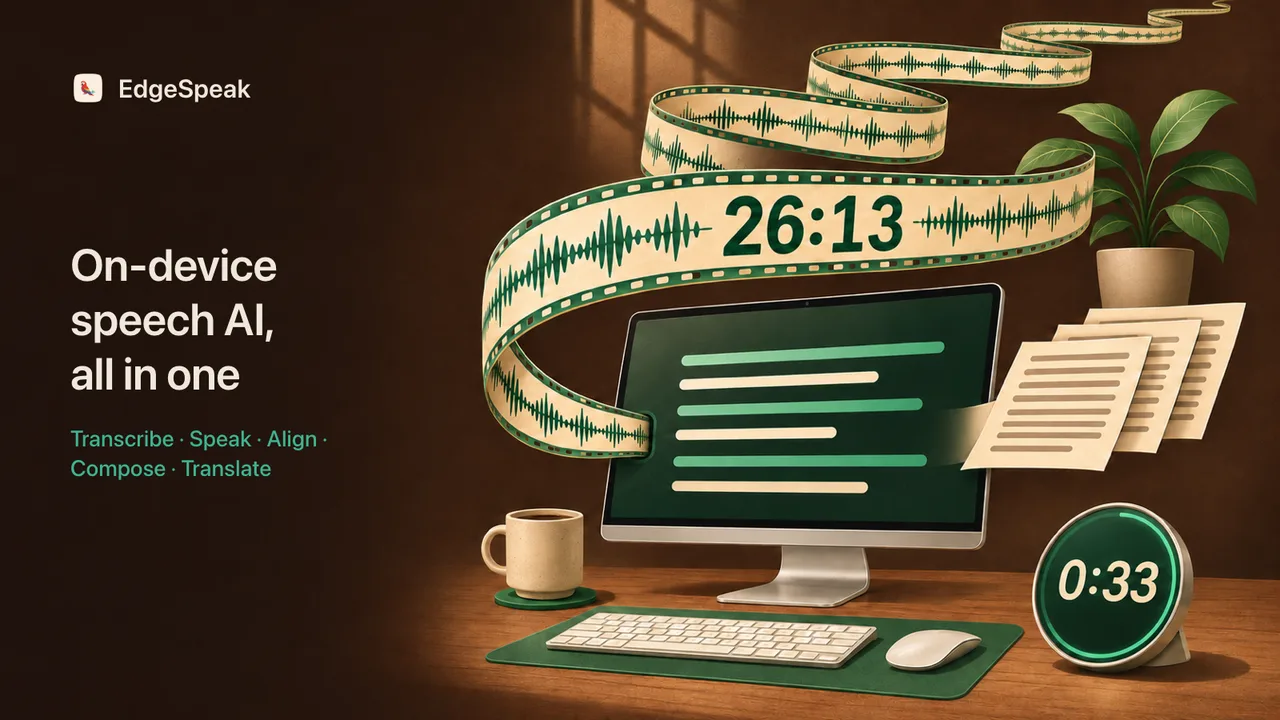
Transcription, text to speech, alignment, music generation and translation, plus speaker diarization and realtime voice chat: EdgeSpeak runs the whole speech AI stack on your own device. A 26-minute launch event with four speakers taking turns transcribes in 33 seconds on Apple M5, with peak memory around 1.0 GB.
Transcription is only the start: forced alignment in 346 languages, on-device translation into 38 languages, 11 speech models, and YuE2, which turns lyrics into complete songs with vocals and accompaniment. 13 MCP tools let agents such as Claude Code call it directly. macOS (Apple Silicon) and Windows get the desktop app and the CLI, Linux gets the CLI, and your audio, video and transcripts stay on your computer.
Accurate, fast and light
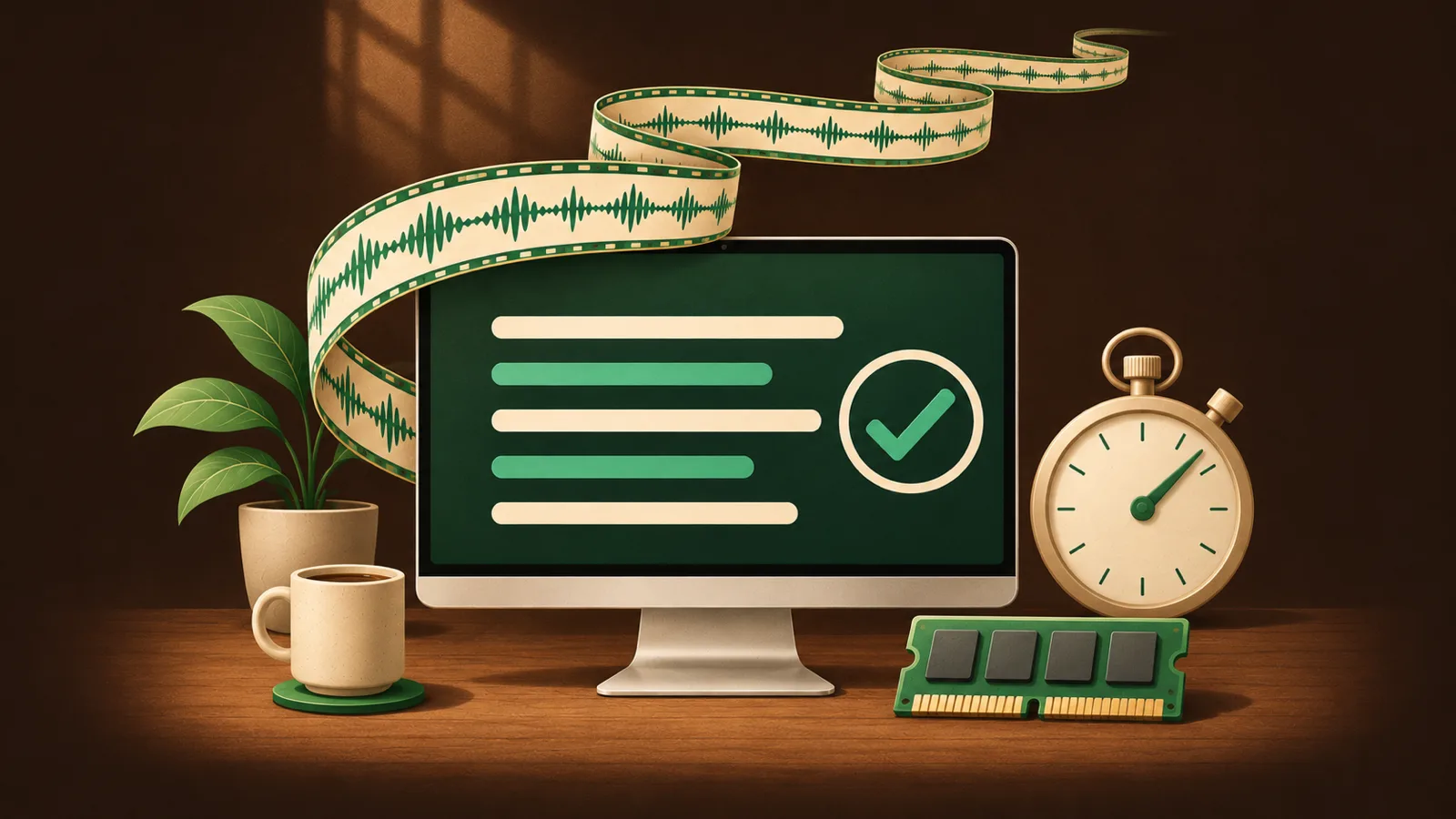
We put a lot of work into making local models fast and accurate on ordinary computers: models are compressed and quantized to a size that suits the device, and the inference engine is accelerated separately for Metal on Apple Silicon, CUDA on NVIDIA GPUs and cross-platform Vulkan. Computers without a discrete GPU run on the CPU.
The full measurement for that 26-minute launch event on Apple M5:
| Item | Result |
|---|---|
| Accuracy | Word error rate (WER) 6.6% |
| Transcription speed | 33 seconds, about 48× realtime |
| Alignment speed | Existing transcript aligned to the audio in 8.8 seconds |
| Memory | Transcription process peak around 1.0 GB |
On Windows with an NVIDIA RTX 3060, transcription runs at a realtime factor of about 0.04, roughly 25× realtime. Lower-spec computers can pick the lighter Lattice-2 Lite. Timings vary from computer to computer.
Model lineup
| Capability | Models |
|---|---|
| Transcription | Lattice-2 Lite / Flash / Pro, three tiers to match your hardware and accuracy needs |
| Forced alignment | Lattice-2, covering 346 languages |
| On-device translation | Lattice-2 Lite / Flash / Pro translation models, 38 target languages, with a translation API |
| Voice chat | Built-in Qwen and Gemma models from 0.6B to 27B; compatible GGUF models can be imported |
| Text to speech | 11 models: Qwen3-TTS (0.6B / 1.7B Base and CustomVoice, plus 1.7B VoiceDesign), FireRedTTS3 (Instruct, Base), OmniVoice, IndexTTS-2.5, VoxCPM2 and Breeze-TTS-2, with streaming playback, voice cloning and voice design from a description |
| Music generation | YuE2, turning lyrics into complete songs with vocals and accompaniment, free to use |
Models download on demand inside the app and work offline once downloaded.
Languages
EdgeSpeak's models are multilingual from the ground up, not just Chinese and English:
| Capability | Language coverage |
|---|---|
| Transcription | 40+ languages, including Chinese, Cantonese, English, Japanese, Korean, Arabic, Hindi, Thai, Vietnamese and the major European languages |
| Forced alignment | 346 languages, including text that mixes several languages |
| Translation | 38 target languages, including Traditional Chinese and Uyghur |
| Text to speech | OmniVoice covers every language in the catalog and accepts more ISO 639 languages; FireRedTTS3 supports 24 languages and 21 Chinese dialects such as Sichuanese; Qwen3-TTS supports 10 languages |
See the language guide for which capabilities each language supports.
Transcription
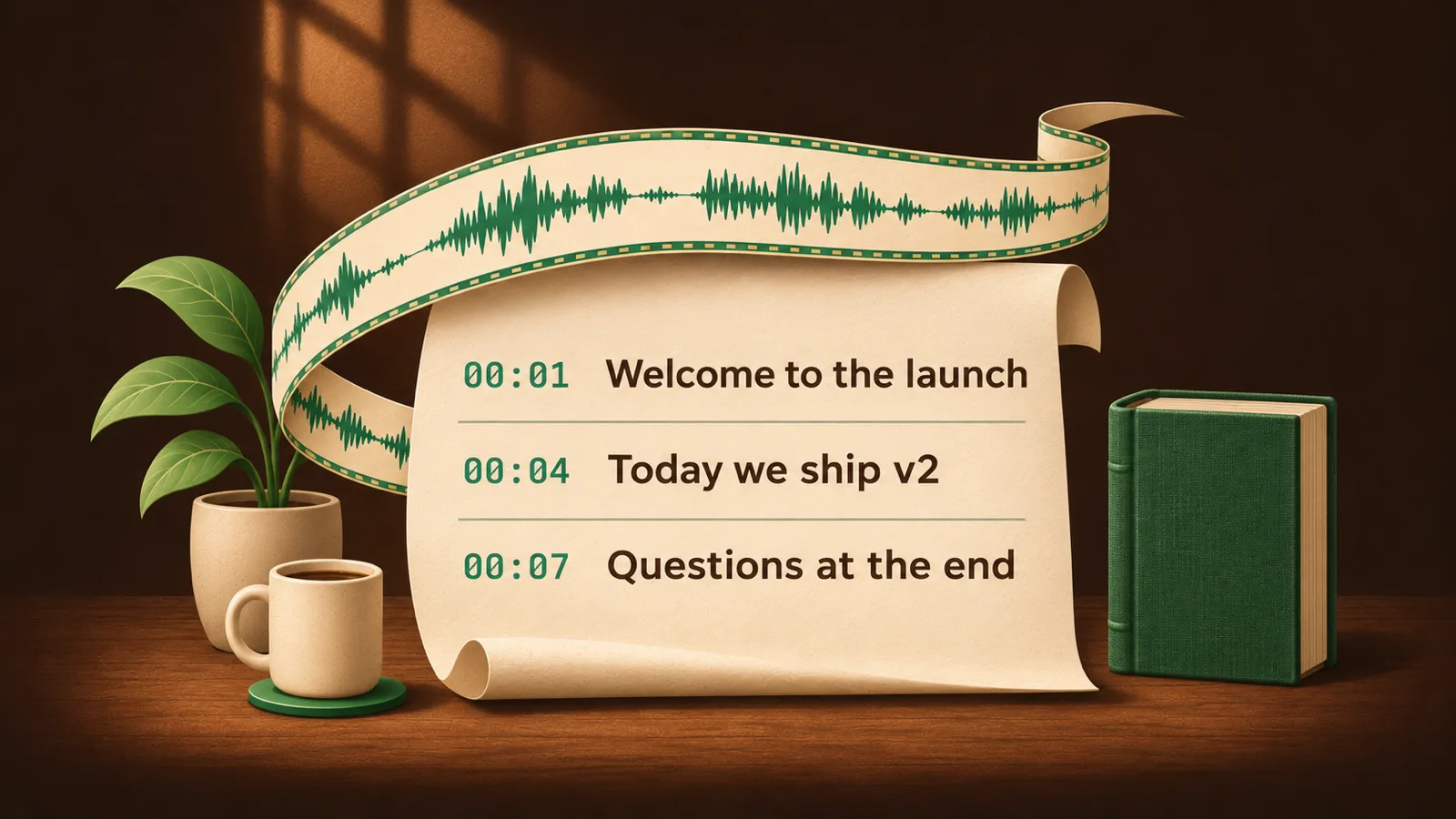
Import audio or video and get a timestamped transcript in any of 40+ languages; see the language guide for the full list. Export plain text, SRT, VTT subtitles or JSON. Add names, product terms and jargon to the dictionary so they are recognized correctly and translated your way. Lattice-2 comes in three tiers: Lite uses the least memory and suits thin laptops; Flash is the default, balancing speed and accuracy; Pro is the most accurate of the three. Flash transcribes a 111.7-second English recording in about 2.6 seconds. See speech to text.
Forced alignment
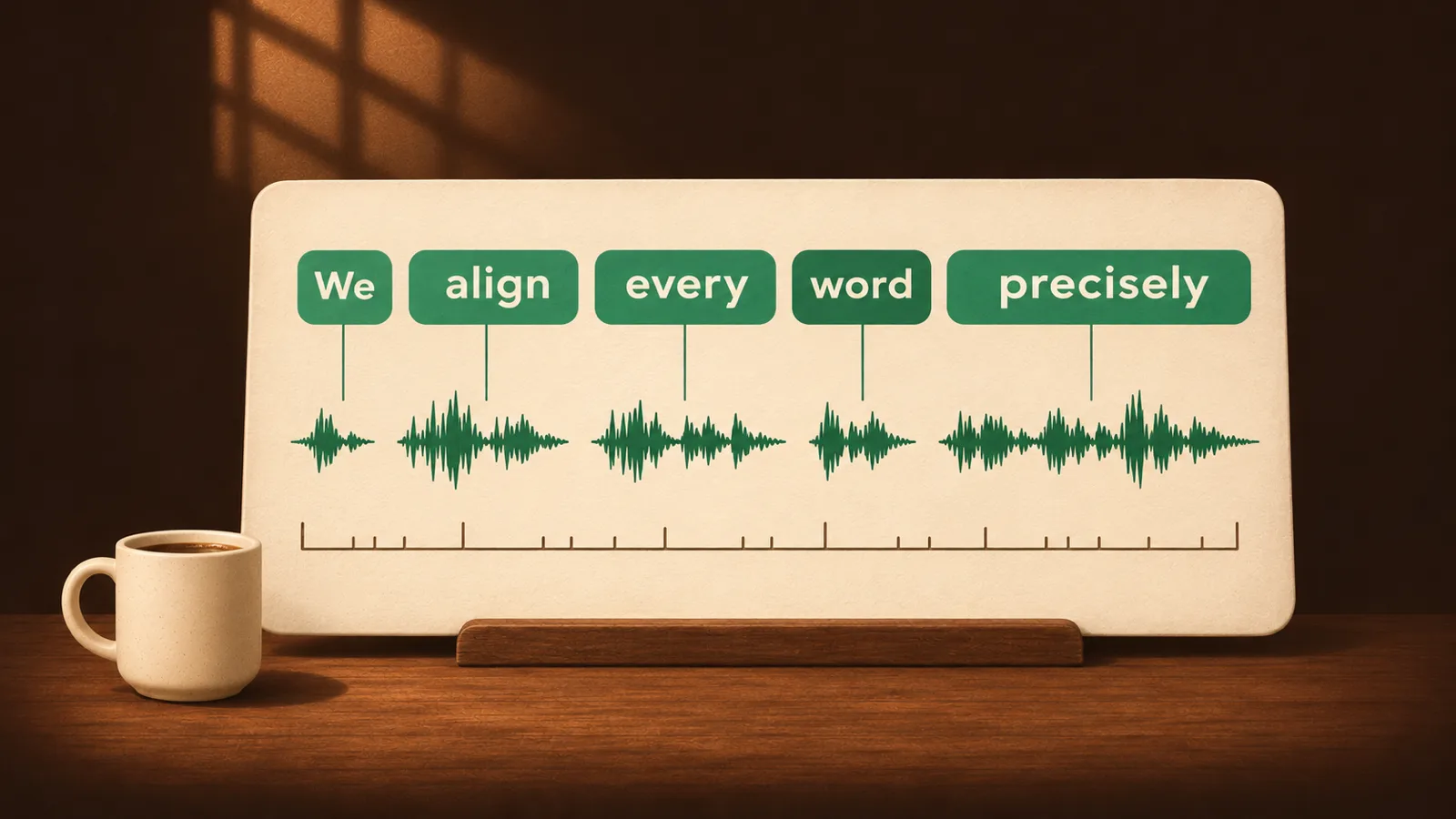
When you already have a script, talk notes or lyrics, there is no need to transcribe again: align the text to the audio directly and get the start and end time of every word and sentence. Alignment covers 346 languages, including Chinese, English, Japanese, Korean, the major European languages and many smaller ones. It has many uses: precisely timed subtitles for video; karaoke subtitles that highlight each word as it is sung or spoken, for lyric videos and language learning; click-to-jump transcripts for audiobooks, podcasts and courses; and finding every line quickly when editing or dubbing. Alignment handles audio and text several hours long, so a full meeting or an entire audiobook aligns in one go.
Alignment is much faster than transcribing again: word-level alignment of a 20-second English or Chinese recording takes about 0.16 seconds; the 26-minute launch event aligned all 374 sentences in 8.8 seconds, with a median start-time error of 40 milliseconds. See forced alignment. For word-boundary error on short utterances, 60-minute recordings and Chinese, compared with MFA, ElevenLabs and Qwen3-ForcedAligner, see the forced alignment word-timestamp benchmark.
For video editing
The word timestamps from transcription and alignment are exactly the data video editing needs. Talking-head videos, interviews, courses and podcasts can be cut from the transcript: find the slips, repetitions and long pauses in the text and you know which stretch of footage to remove; pick the best quotes and cut them into short clips by their start and end times. Exported SRT subtitles import directly into Premiere Pro, Final Cut Pro, DaVinci Resolve and other editors, so there is no need to time captions line by line.
Speaker diarization
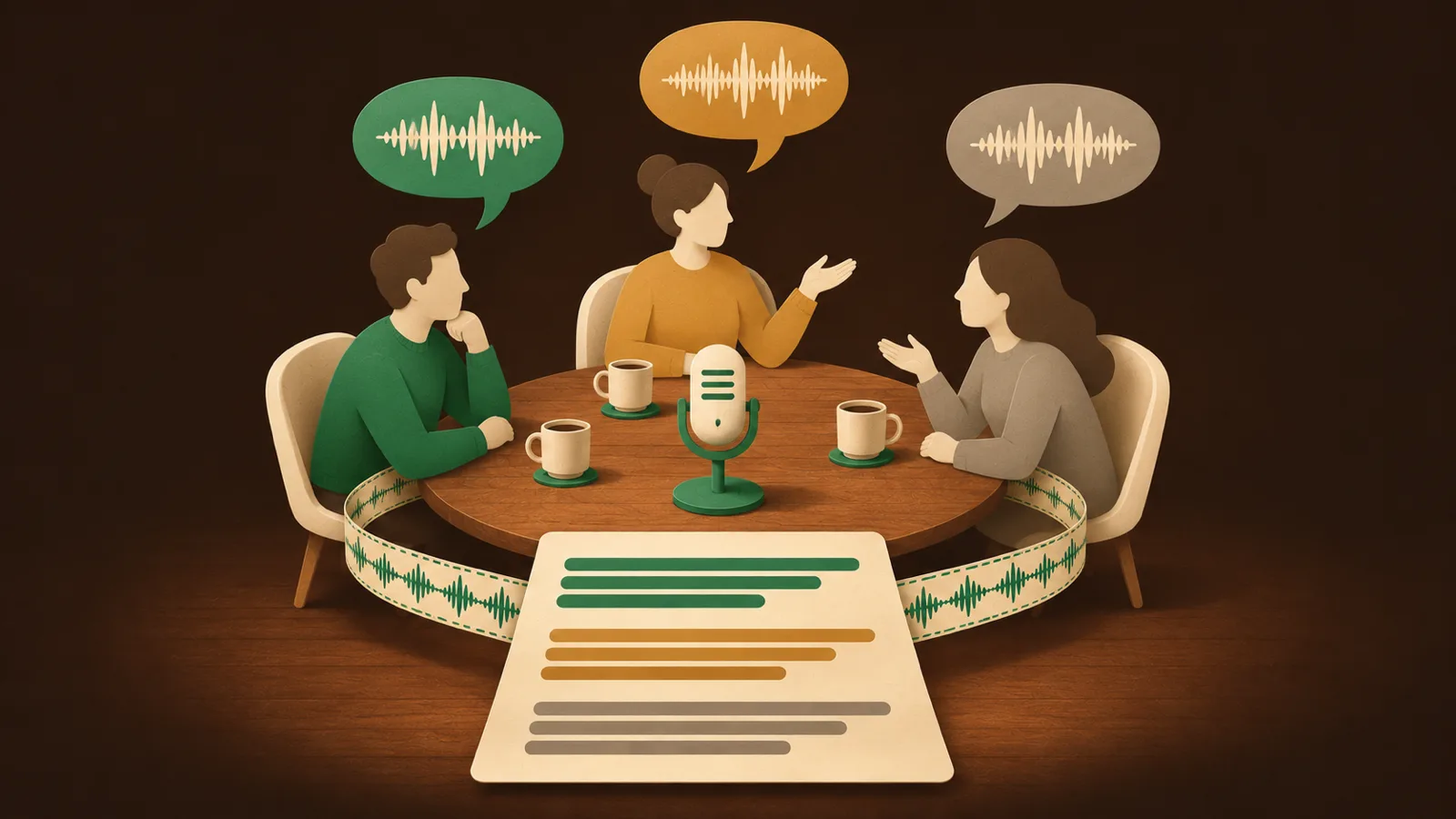
For meetings, interviews and podcasts, the transcript marks which speaker said each line, ready to turn into a dialogue transcript. Diarization runs in the same request as transcription and adds almost no wait: on a 111.7-second recording, speaker labels add only about 0.2 seconds over plain transcription. See speaker diarization.
Translation
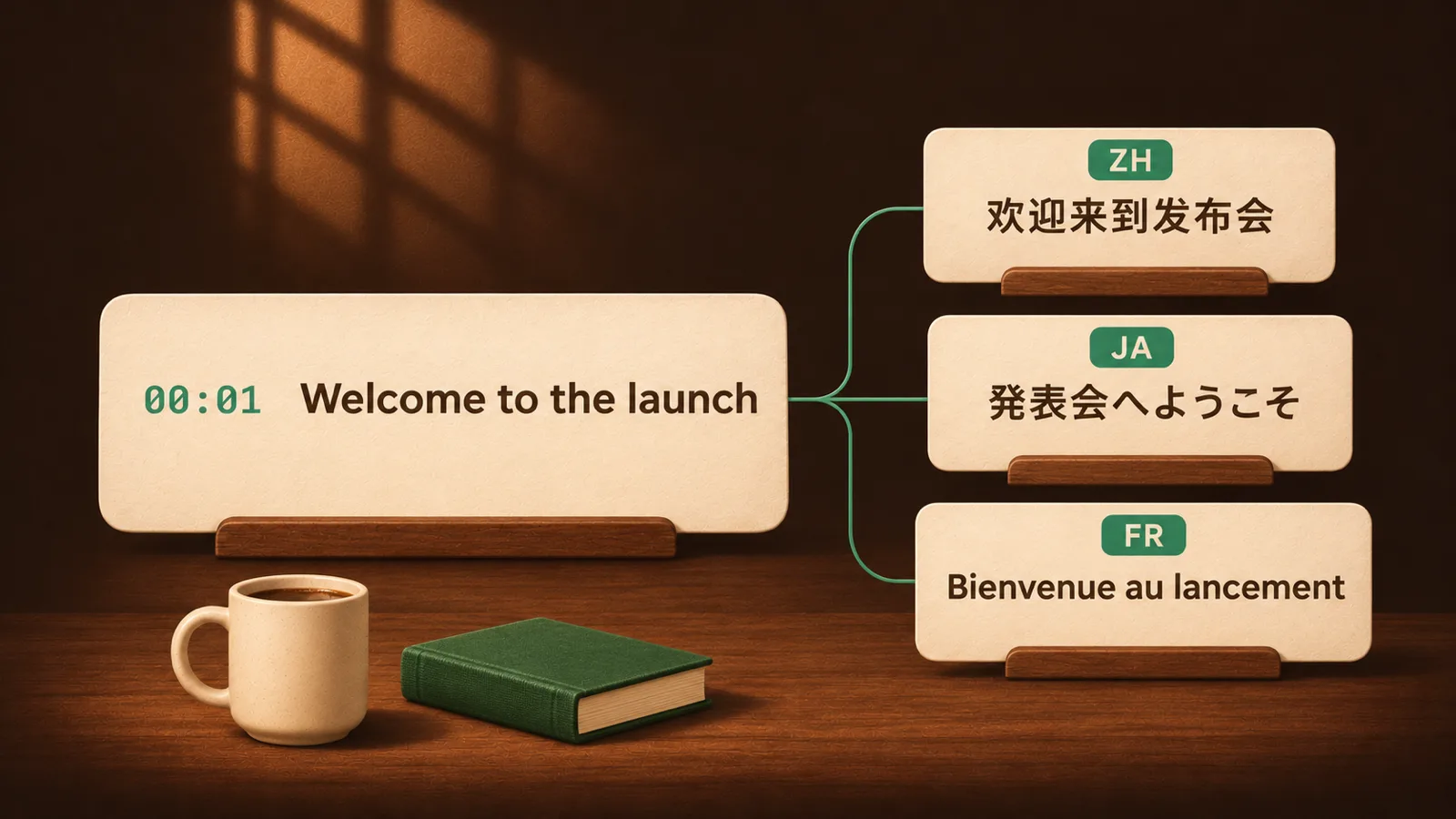
Transcripts and alignments can be translated on your computer into 38 target languages, including Traditional Chinese. Translation uses dedicated on-device models, Lattice-2 Lite / Flash / Pro, which work offline once downloaded; they translate only, without rewriting or summarizing. Translations keep the original timeline, you can switch between original, side-by-side and translation views, and you choose how original and translation are laid out on export. Common uses: Chinese, English or bilingual subtitles for foreign-language videos and courses; meeting and interview transcripts for colleagues who speak another language; reading foreign-language podcasts and launch events in your own language. Before translating, you can describe the recording in a sentence or two and pick a natural, conversational or faithful style; names and product terms in your dictionary are translated the way you set them. When you need correction or polishing, you can switch to a commercial model service you configure yourself. See translating transcripts locally and writing translation requirements.
The local gateway also offers a translation API: add a translation parameter to a Chat Completions or Responses request with the target language and style, and the on-device translation model handles it. MCP tools and Realtime simultaneous interpretation use the same shape. See the translation API docs.
{
  "model": "EdgeSpeak/Lattice-2-Flash",
  "input": "Welcome to today's launch event.",
  "translation": { "target_language": "ja", "style": "natural" }
}
Voice understanding and chat
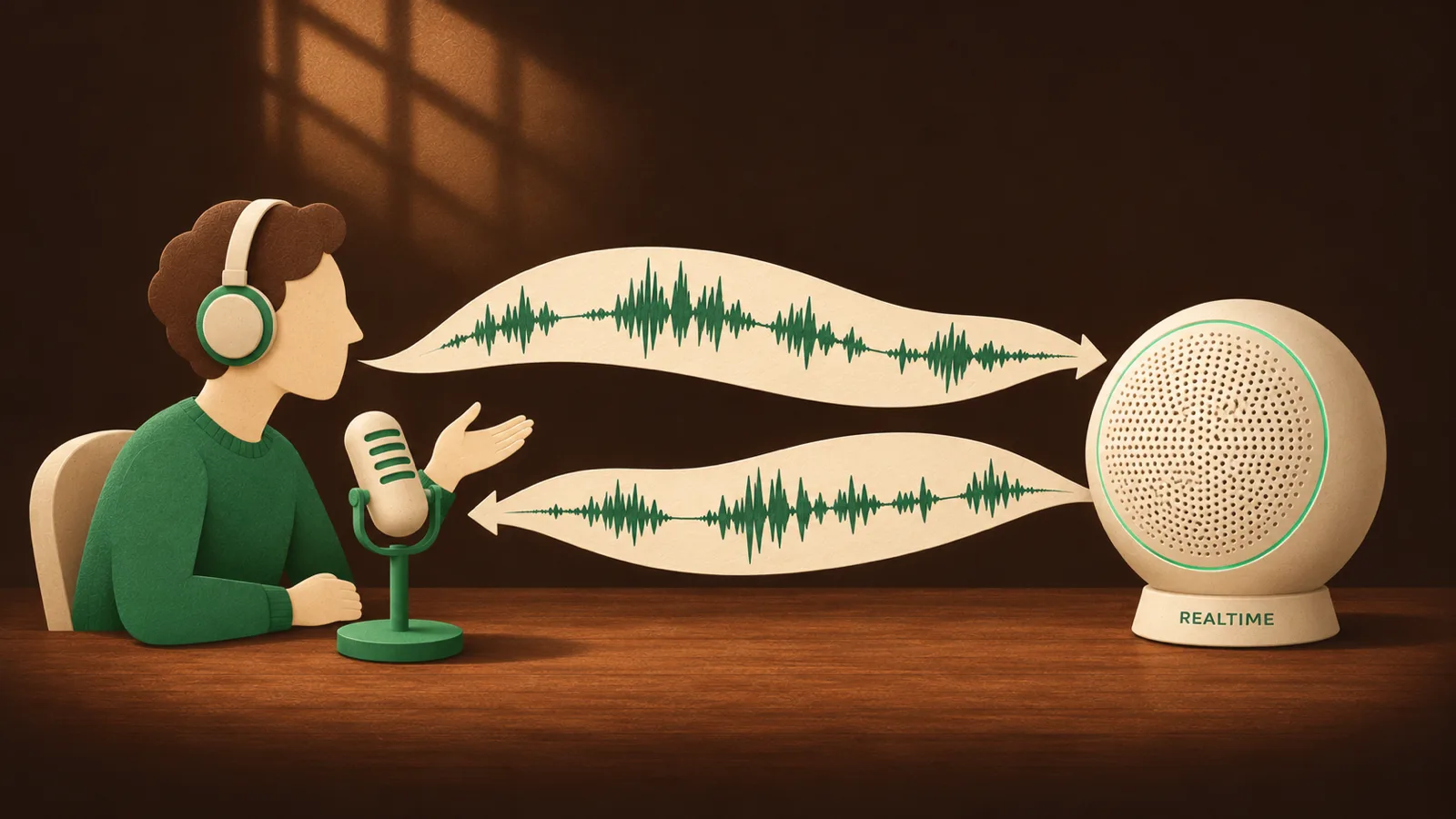
Talk into the microphone and the AI model understands you and answers by voice. Pick a persona such as language partner or role play; with the language partner you might say: "Play a coffee shop barista and help me practice ordering in Spanish." Switch to simultaneous interpretation to speak one language and hear another.
Developers can build their own voice apps on the same capabilities: the local gateway offers a Realtime API (WebSocket) with realtime voice conversation and barge-in, or realtime transcription on its own. The language model in the conversation can range from 0.6B to 27B to suit your computer; on Windows with an RTX 3060 running Vulkan, generation reaches about 173 tokens per second. See voice chat and the Realtime API docs.
Text to speech and music generation
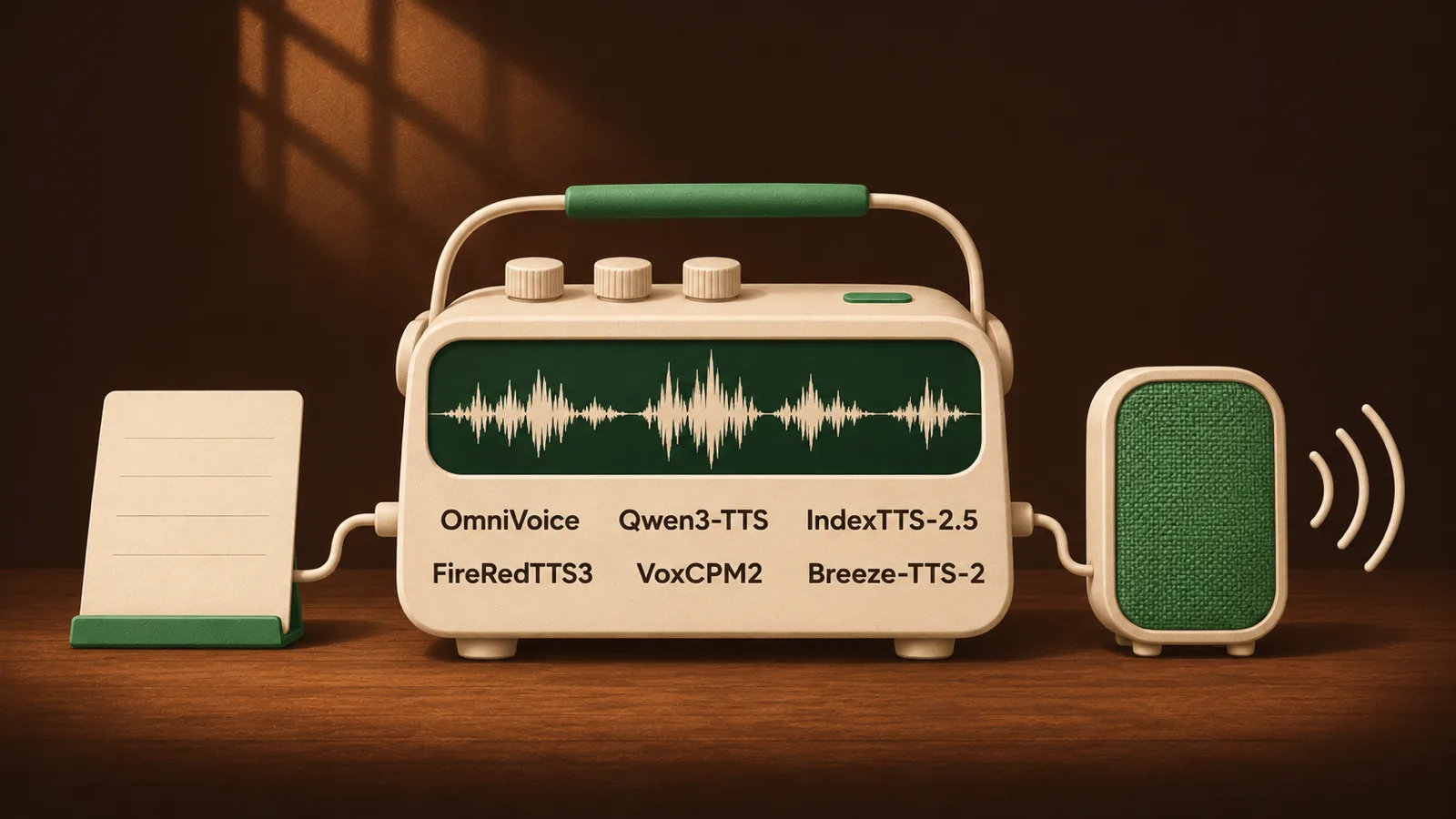
Type text and generate speech that plays while it is being produced, or export it as WAV. EdgeSpeak supports 11 current open-source speech models from six families — Qwen3-TTS, FireRedTTS3, OmniVoice, IndexTTS-2.5, VoxCPM2 and Breeze-TTS-2 — each with its own strengths, so you can choose by language, voice and speed; we keep adding strong new models as they appear. Beyond the built-in voices, models that support it can create your own voice from a clear reference recording, or design a voice from a text description.
Speech generation is streamed and accelerated too: on Apple M5 Ultra, Qwen3-TTS 0.6B starts producing sound for a 31-word English passage in about 60 to 90 milliseconds and finishes roughly 11 seconds of audio in about 2.1 seconds; on an NVIDIA GPU, FireRedTTS3 takes about 0.26× the audio length. See text to speech.
Songs from lyrics
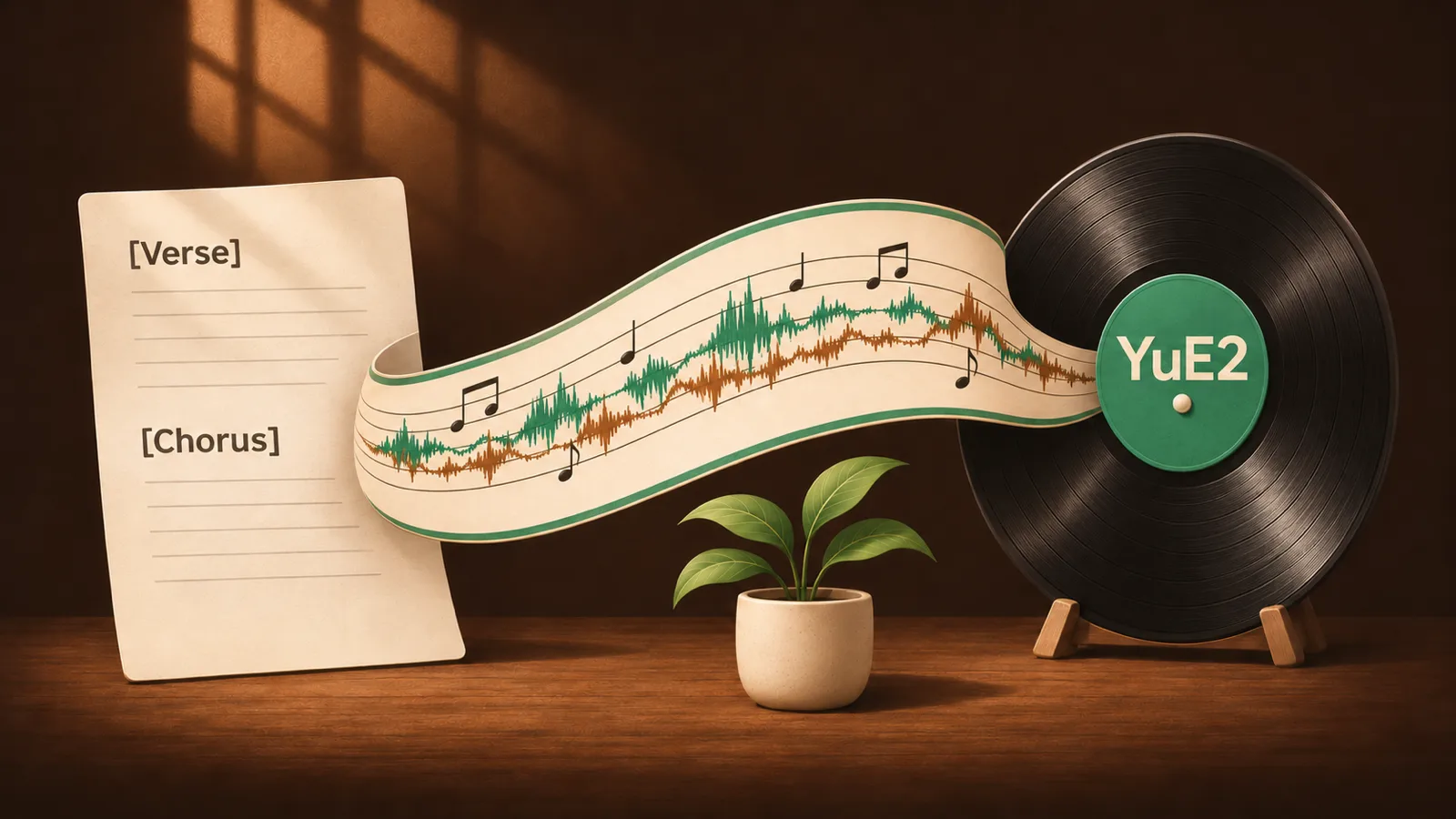
The speech page also includes the music model YuE2. Write lyrics with section tags such as [Verse] and [Chorus], describe the genre, vocals and instruments in a sentence, and it generates a complete song with vocals and accompaniment on your computer, as 48 kHz stereo audio. You can have the model plan a score first, review and edit it before generating, or paste your own ABC notation. Generating songs with YuE2 is free and does not use your quota.
We gave YuE2 a new sampling method, AB3: 14 steps by default, only 15 model evaluations, with audio nearly identical to the 32-step reference (SNR around 29 dB). On Apple Silicon, the sound generation and decoding stage dropped from about 1.5× the song length to about 0.67×, close to realtime (excluding the initial melody planning and model loading). On an NVIDIA RTX 4090, a 22.3-second song is generated in about 9.1 seconds. YuE2 weights keep the original authors' CC BY-NC 4.0 license and are for non-commercial use only.
The song below was generated by YuE2 on a local computer. We then used EdgeSpeak's forced alignment to align the lyrics to the vocals, got each word's start and end time, exported word-by-word karaoke subtitles and burned them into the video. The spectrum and waveform move with the music, and the title area shows the model settings used for this run. Generation, alignment and subtitles all happened on the same computer.
Local gateway: complete speech and text capabilities
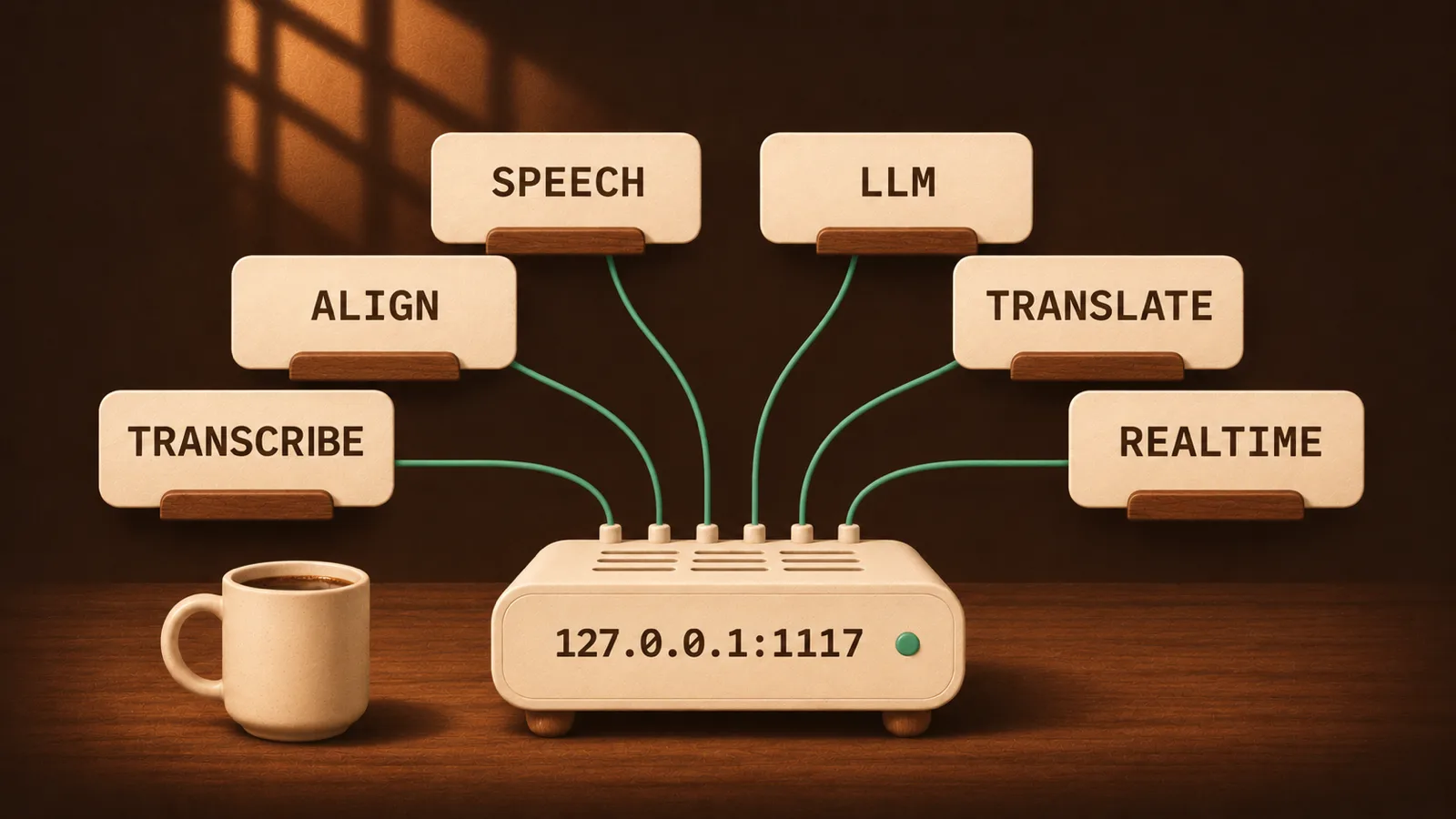
Open the desktop app and the local gateway runs at http://127.0.0.1:1117/v1; you can also start it on its own with edgespeak-cli serve, no desktop app needed. The gateway follows the OpenAI API conventions, and transcription, alignment, text to speech, LLMs, translation and realtime voice all live at one address:
| Capability | Endpoints |
|---|---|
| Transcription, speaker diarization | /v1/audio/transcriptions, /v1/speaker/diarizations |
| Forced alignment | /v1/audio/alignments |
| Text to speech, voice creation | /v1/audio/speech, /v1/audio/voices |
| LLM chat, translation, vision | /v1/responses, /v1/chat/completions, /v1/messages |
| Realtime voice chat | /v1/realtime (WebSocket) |
| Agent tools | /mcp |
These capabilities usually mean signing up for several cloud services and paying for each. With the local gateway, the basic speech and LLM capabilities are on your computer, so you don't need to buy separate API services for them; existing OpenAI SDK code works once you point the base URL at your machine. To serve other trusted machines on your network, start the headless service. For what the gateway covers and how to choose between the two ways to run it, see the local speech gateway explainer; endpoint details are in the API docs.
Use with AI agents
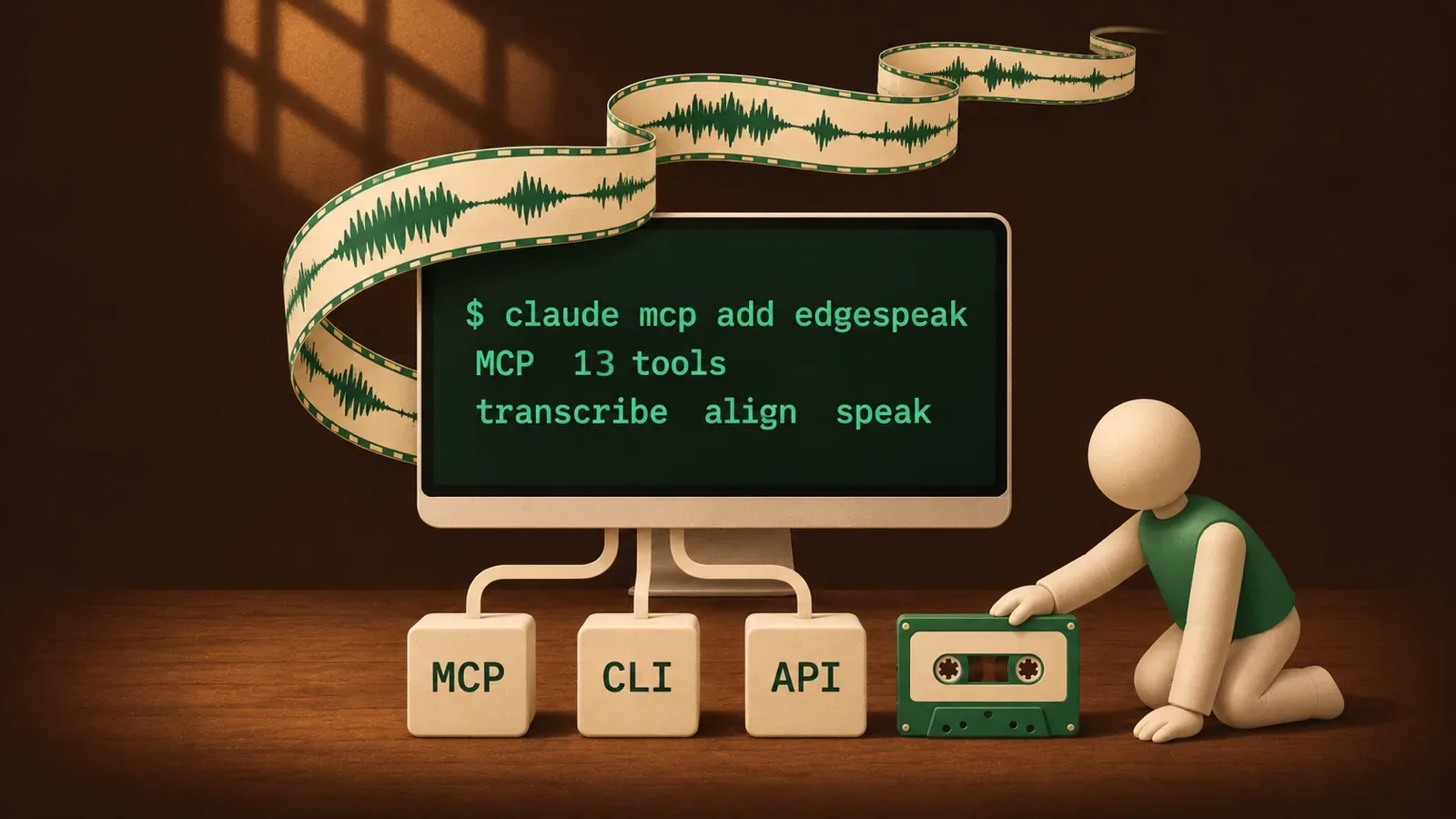
EdgeSpeak provides 13 MCP tools covering transcription, alignment, speaker diarization, text to speech and local language models. Register it once in Claude Code or any MCP-capable agent and ask in plain language: "Transcribe all the meeting recordings in this folder and turn them into notes by speaker," or "Make word-by-word subtitles for this video." With the EdgeSpeak Agent Skill installed, the agent can run the full pipeline of transcription, sentence segmentation, alignment and subtitle export.
Claude Code and EdgeSpeak also make a good pair for video editing: Claude Code already drives FFmpeg to process video, and EdgeSpeak adds the missing step of hearing what is said, with the start and end time of every word. You can simply say "Cut the slips and every pause longer than two seconds from this interview" or "Pull out the parts about pricing as short clips with word-by-word subtitles," and the agent transcribes and aligns with EdgeSpeak, then cuts and burns in subtitles by timestamp, all on your computer.
claude mcp add edgespeak -- edgespeak-cli mcpSee the MCP docs.
Privacy

Transcription, alignment, speaker diarization and text to speech all run on local models. Audio, video, transcripts and dictionaries are stored only on your device and are not uploaded to any server, which suits client recordings, internal meetings, interviews and other sensitive material. The network is used only for sign-in, license activation and model downloads; if you choose a cloud model in voice chat, that part is handled by the corresponding service. See the privacy policy.
Get started
Install the desktop app from the download page, sign in, and download the models you need inside the app. The free plan lets you try it right away; you can also buy a one-time license for permanent use, including future model and speech updates, on up to 4 devices. See the pricing page for each plan's quota and price.